How it works
Your team reviews. AI iterates.
Kevra gives your whole team a shared space to review AI-generated work, leave feedback, and push it forward — together.
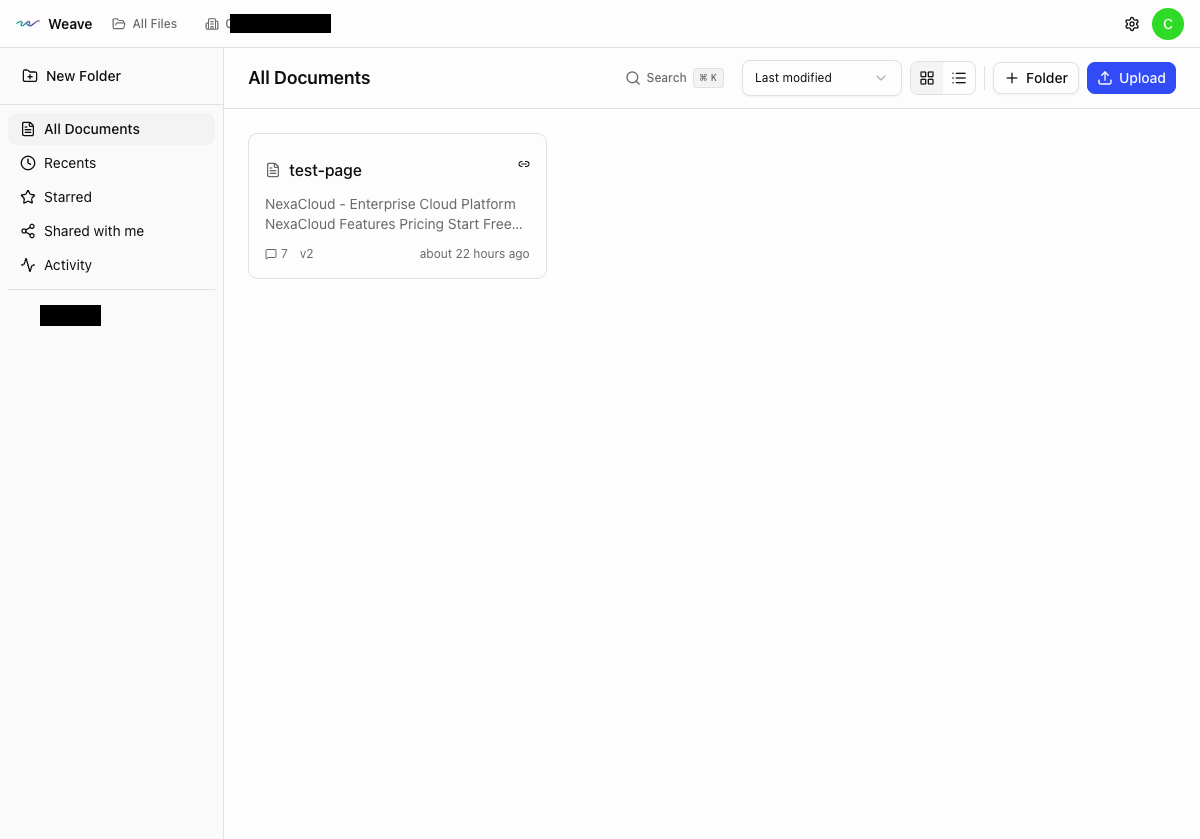
Bring in AI-Generated Output
Paste or upload HTML from any AI tool. Kevra renders it instantly so anyone on your team can see and review it — no dev environment needed.
Supports HTML, CSS, and embedded assets. Everything stays client-side — your code never leaves your browser.
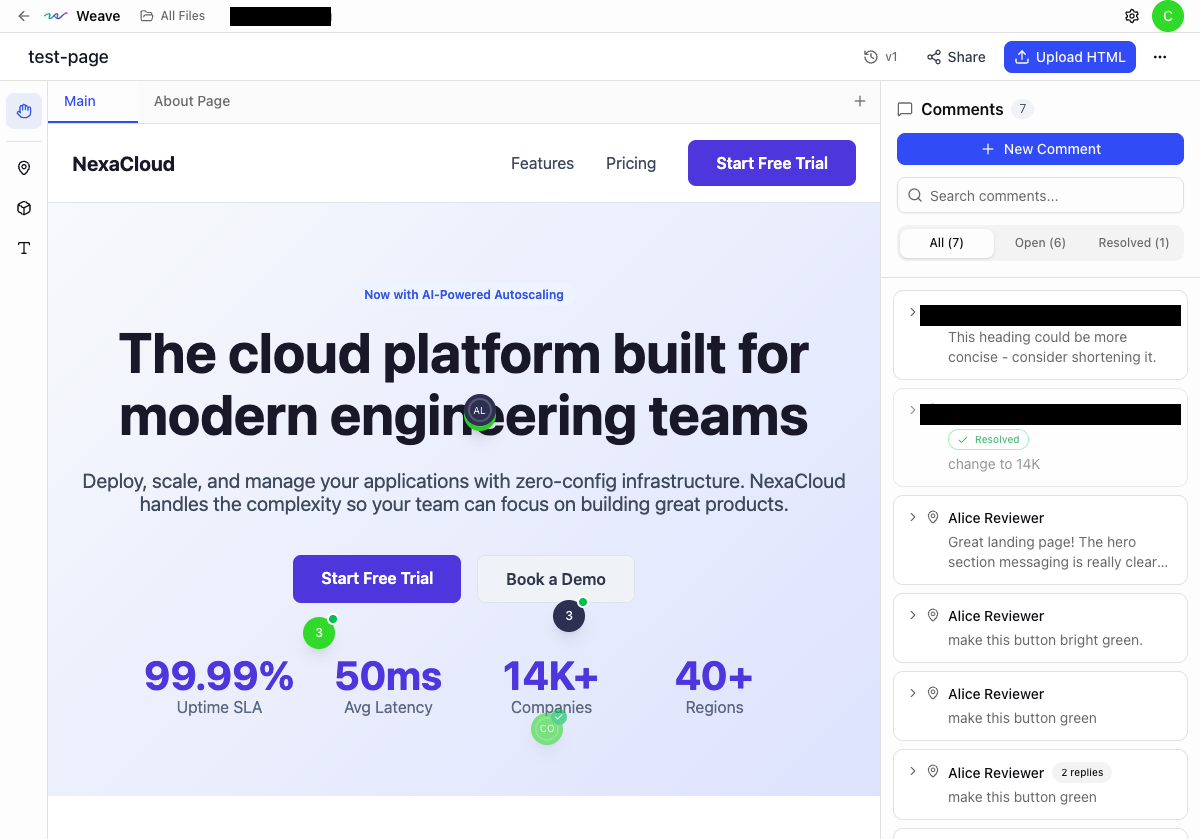
Your Team Reviews It
Everyone sees the output rendered visually — not as code. Designers, PMs, clients, and stakeholders can all review together.
No prompts, no code, no middleman. If you can look at a web page, you can participate.
Comment Directly on the Output
Click anywhere to leave feedback — the same way you'd review in Figma. Pin comments to specific elements. No prompts required.
Supports threads, @mentions, and status tracking. Feedback stays pinned across iterations.
Built for team collaboration
Designed for teams where everyone — not just developers — works with AI.
Works With Any AI Tool
Bring in output from Claude, ChatGPT, or any tool that generates HTML. Kevra is AI-tool-agnostic.
Client-Side Processing
Your code never leaves your browser. Render and review proprietary work without uploading to third-party servers.
Context Preservation
Comments stay pinned across iterations. Upload version 2, version 3 — feedback history persists.
Export for AI
One-click export of your team's feedback in a format AI understands. Hand it back and keep iterating.
Collaborate Visually
Comment directly on rendered HTML — like Figma, but for real web pages
Your team sees AI-generated output exactly as it will look in a browser. Click anywhere to leave feedback. No code knowledge required.
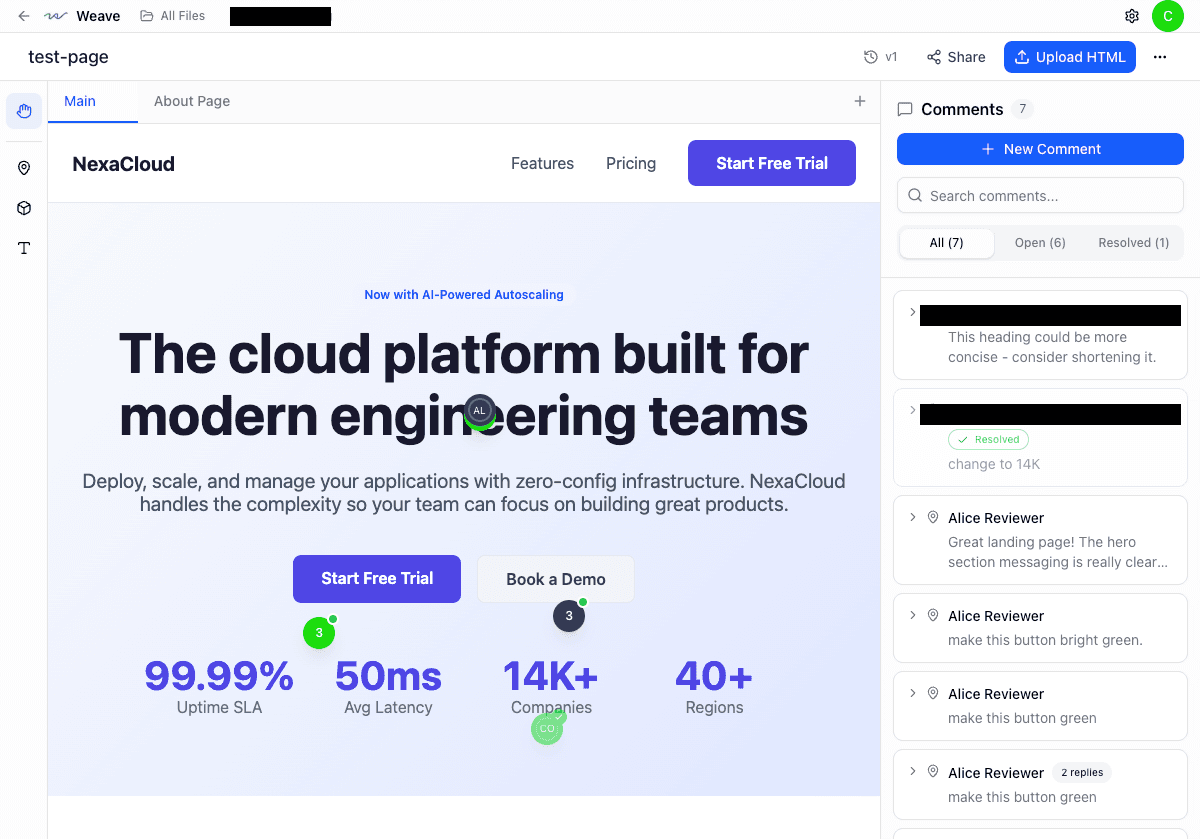
Point-and-click commenting
Click any element to pin a comment. Designers, PMs, and clients all participate directly.
Threaded discussions
Every comment starts a thread. Use @mentions to loop in the right people.
Real-time presence
See who is viewing the document right now. Collaborate live.
Stale comment detection
When HTML changes, Kevra flags comments that may no longer apply.
Visual commenting is available on Pro and Pro + AI plans.
Meet Nova
Your team comments. Nova edits.
Nova is Kevra's built-in AI agent. Tag Nova on any comment and it generates precise HTML edits scoped to exactly what was discussed. Review the diff, accept or reject, and iterate until it's right.
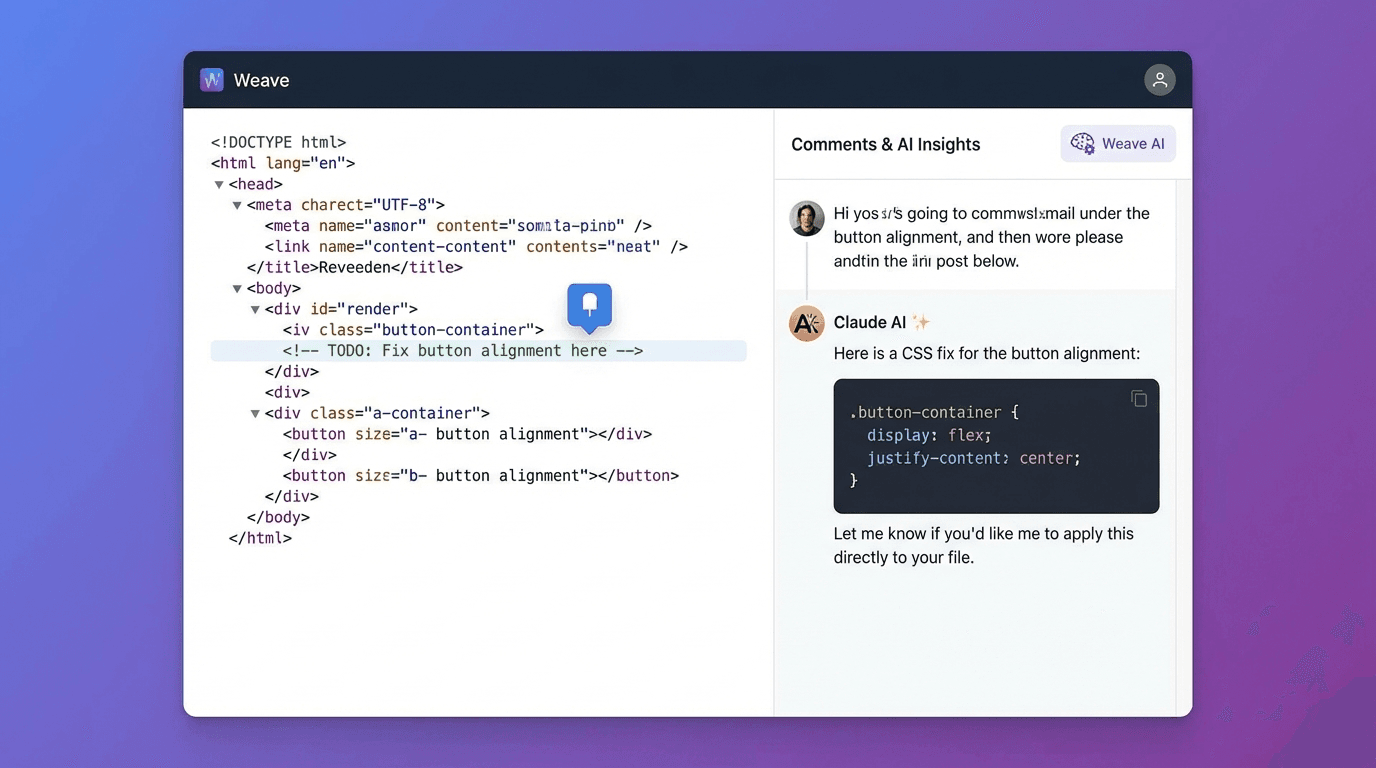
Scoped edits, not rewrites
Nova edits only what's relevant — within ~30 lines of the comment anchor. Your broader layout stays untouched.
Accept, reject, or iterate
Review every suggestion with a side-by-side diff. Reply "try again with..." to refine.
250 AI credits per month
Each Pro + AI seat includes 250 credits/month. One credit per Nova interaction.
Nova is exclusively available on the Pro + AI plan. Start with a 14-day free trial.
Built for Agents
A full API for the agents and tools you already use
Every feature is accessible through a REST API with OpenAPI docs. Connect your existing AI agents, CI/CD pipelines, or custom tools.
Full REST API
Projects, versions, tabs, threads, comments, suggestions, and edits — all accessible programmatically.
7 agent tools
list_sections, read_document, write_section, search_replace, and more — purpose-built for AI agent integrations.
Scoped API keys
Fine-grained permissions: documents:read, documents:write, comments:read, comments:write.
Webhooks
Subscribe to thread.created, comment.added, version.created, and more. Build reactive workflows.
OpenAPI docs
Full OpenAPI 3.1.0 spec at /api/v1/docs. Generate client libraries in any language.
GET /api/v1/projects/:id/context
{
  "project": {
    "id": "proj_29f3a...",
    "name": "Q1 Campaign Landing Page",
    "tabs": 4,
    "activeVersion": 12
  },
  "threads": 8,
  "openComments": 3,
  "suggestions": {
    "pending": 2,
    "accepted": 14,
    "rejected": 1
  },
  "html": "<section>...",
  "stats": {
    "lines": 847,
    "lastEditedBy": "nova",
    "lastEditedAt": "2025-01-15T..."
  }
}
One call returns the full project state — HTML, threads, comments, suggestions, and stats.
API access is available on Pro and Pro + AI plans.
Built for Teams
Everything your team needs to ship with confidence
Full document management, version control, and organizational tools built in.
Multi-tab documents
Organize complex projects with multiple HTML sections. Each tab has its own comment threads.
Full version history
Every save creates a version. Compare any two with visual diffs. Roll back when needed.
Flexible sharing
Private, org-wide, link-accessible, or public. Control exactly who sees what.
Organizations & roles
Owner, admin, and member roles. Per-member AI access control. Activity audit logging.
Three-way merge
Concurrent edits resolved automatically using the same technique as Git.
Secure sandboxing
HTML sanitization prevents XSS. Documents render in sandboxed iframes with strict CSP.
Document creation, version history, and team management require Pro or Pro + AI.
Make AI-generated work a team effort
Try it free. Everyone on your team can review and improve what AI generates.